mywin App — Download APK & Play on Mobile
Get the mywin App.
Slots, Crash & Live Casino — anywhere in Malaysia.
The mywin app puts 2,400+ games in your pocket. Download the free Android APK directly — no app store needed. Fast to install, fast to load, and your account works across web and mobile without any re-registration.
System Requirements & Version Info
Before you download, check that your device meets the minimum requirements. The mywin app is built for modern Android phones and runs smoothly on mid-range devices.
No iOS App Store listing is needed. iPhone and iPad users can add mywin to their home screen via Safari for a near-native experience — tap the Share button and choose "Add to Home Screen".
Security & App Permissions
The mywin APK is served directly from our own server — not from an unofficial mirror. Here is what you need to know about what the app requests and why.
SSL Encryption
All data between the mywin app and our servers is encrypted using TLS 1.3. Your login credentials, deposit requests and personal details are never transmitted in plain text. The connection is verified on every session start, not just at login.
Permissions Requested
The app asks only for: Internet access (required to play), storage access (to save the APK during install), and camera access (optional, only if you use QR code deposit scan). No contacts, location or microphone access is requested or used.
APK Integrity Check
Download only from mywin.im/download/mywin.apk. Each release is signed with our developer key. If your Android device warns that the signature does not match a previous install, delete the old APK first, then re-download from this page and reinstall fresh.
Account & Password Safety
Your mywin password is stored as a salted hash — we cannot read it. Enable your phone's biometric lock so the app auto-locks when your screen turns off. If you lose your phone, log in on any browser, go to Account Settings and change your password immediately to lock out the device.
How to Install the mywin App on Android
Android blocks APK files from outside the Play Store by default. You need to allow installs from unknown sources once — it takes about 30 seconds and you can turn it off again after installing.
-
1
Allow Installs from Unknown Sources
Open your phone's Settings → Apps → Special App Access → Install Unknown Apps. Find your browser (Chrome or the Files app) and toggle Allow from this source to ON. This setting is per-app — you are not opening every app to install anything. On some Samsung phones this is under Settings → Biometrics and Security → Install Unknown Apps.
-
2
Download the APK File
Tap the Download APK button on this page or scan the QR code above. Chrome will show a download notification at the bottom of the screen. The file is 36 MB — it downloads in under a minute on a standard mobile data connection. Do not download from any other website; always use this page at mywin.im.
-
3
Open and Run the Installer
Tap Open in the Chrome download notification, or go to your Files app and tap mywin.apk in the Downloads folder. Android will show a permissions screen listing what the app needs. Review the list (Internet, Storage, optional Camera) and tap Install. Installation completes in under 10 seconds on most Android 10+ devices.
-
4
Open mywin and Log In
Tap Open after installation or find the mywin icon on your home screen. If you already have a mywin account, enter your username and password on the mywin Login screen. If you are new, tap Register to create a free account in under 2 minutes. Your account balance and bonus wallet sync instantly from web to app.
-
5
Deposit and Start Playing
Go to Wallet → Deposit inside the app. The minimum deposit is RM30 via Touch 'n Go eWallet, DuitNow, FPX Online Banking or Bank Transfer. Funds arrive in roughly 6 minutes. First-time depositors automatically qualify for the welcome bonus — up to RM275 at 170% on your first deposit. Head to the lobby and pick a game.
Adding mywin to Your iPhone or iPad Home Screen
- Open Safari and visit mywin.im. (Must be Safari — Chrome on iOS does not support Add to Home Screen with full PWA features.)
- Tap the Share button (the box with an upward arrow) at the bottom of the Safari toolbar.
- Scroll down in the Share sheet and tap Add to Home Screen. Give it a name or leave it as "mywin" and tap Add.
- The mywin icon now appears on your iOS home screen. Tap it to open the site in a full-screen browser frame with no Safari address bar — it feels and behaves like a native app.
Download mywin APK — Direct Link
mywin App v2.0.15 — Ready to Download
Free Android APK. No sign-in required to download. Install takes under 2 minutes.
App vs Browser — What's the Difference?
Both the mywin app and the browser version use the same account, same games and same wallet. Here is where they differ in day-to-day use.
Most regular players prefer the app for its faster startup and push notifications. The browser version is better when you are on a device you do not own or when you just want to check your balance quickly. Either way, your account is exactly the same.
What You Can Do Inside the mywin App
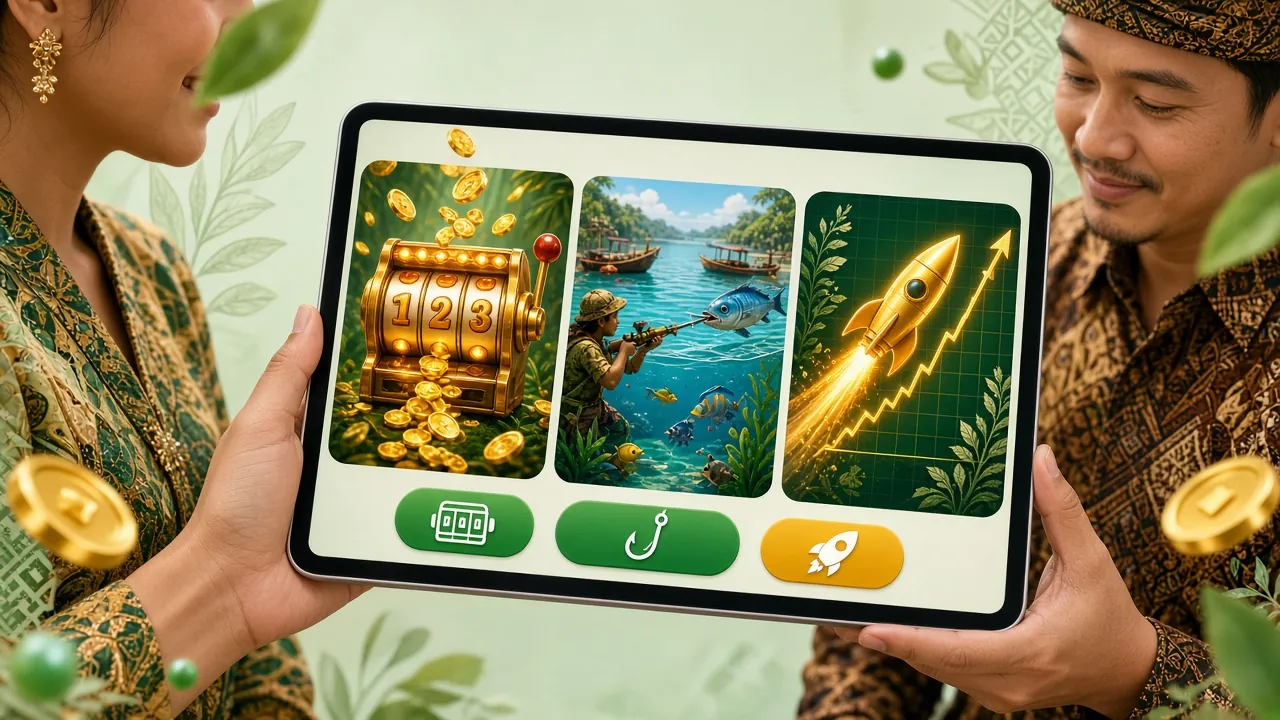
The mywin app is a full-featured mobile casino — not a stripped-down version of the website. Here are the six main areas you will use every session.


2,400+ Slots
Pragmatic Play, FA Chai, Ezugi, Habanero and more. Filter by provider, RTP or theme. All titles load in-app without any extra plugin. Minimum bet from RM0.10 on selected games. Spin history and win records are saved to your account across sessions.
Live Casino Tables
Sexy Gaming and Ezugi live dealer rooms stream directly in the app. Baccarat, Roulette, Blackjack and Dragon Tiger with HD video. Chat with dealers in real time. Tables run 24 hours — peak evening sessions (8–11 PM MYT) have more open seats and faster dealer responses.
Crash Games
Crash Goal by Habanero (RTP 97.1%) and similar titles let you bet, watch the multiplier climb and cash out before it crashes. The in-app version shows a live graph with real-time player counts. Auto cash-out is configurable — set your target multiplier and walk away from the screen.
Sports Betting
Malaysian football (Super League, FAM Cup), EPL, Champions League and more. Place bets on match result, Asian Handicap, Over/Under and live in-play markets. Odds update in real time. Minimum bet is RM2 on most markets. Results and settlements appear in your wallet within minutes of the final whistle.
Fishing Games
Monkey King Fishing (Ezugi, RTP 97.7%), Star Fishing and Mega Fishing offer multiplayer fishing-style arcade action. Each fish type has a fixed points value — shoot the right targets to maximise returns. Minimum bet from RM0.50. These are among the most played mobile-first titles in the mywin app.
Deposits & Withdrawals
Deposit using Touch 'n Go eWallet, DuitNow, FPX Online Banking or Bank Transfer — all from inside the app. Average deposit arrival time is 6 minutes; withdrawals process in around 7 minutes. Minimum deposit is RM30, minimum withdrawal is RM40. No separate app for banking — it all happens in mywin.
Installation Problems? Fix Them Here
Most APK installation issues fall into one of five categories. Use this table to diagnose and fix your specific error before contacting support.
If your issue is not listed above, the mywin 24/7 Live Chat support team can walk you through it in real time. Access Live Chat from the Help icon inside the app or from the support icon on any page.
Your Whole Lobby Sits Behind One Icon
Once the APK is on your phone, the mywin lobby opens without a browser bar, a bookmark hunt or a typed URL. Here is what that changes on an ordinary day.
- Buttons sit within thumb reach, so you can place a bet on the bus or check a slot during a kopitiam break without zooming in.
- Top up inside the app with Touch ’n Go eWallet, DuitNow or FPX Online Banking. Deposits usually land in about 6 minutes, minimum RM30.
- Cash out without switching to a laptop. Withdrawals are processed in around 7 minutes and start from RM40.
- The install is 36 MB, small enough for a phone that is already tight on storage, and your balance and bonuses stay in sync with the web version.
Common Questions About the mywin App
Need Help Right Now?
Our support team is available 24 hours a day, 7 days a week. If your APK download is not working or the app will not install, start a live chat and we will walk you through it step by step.
Start Live Chat- Games Available
- 2,400+
- Welcome Bonus
- 170%
- Min. Deposit
- RM30
- Withdrawal Time
- ~7 Min
18+ · Play Responsibly. The mywin app is for adults aged 18 and above. Gambling involves financial risk. Set deposit limits in your account settings and take breaks when needed. If gambling stops being fun, contact a support service.